Sharing Concierge ride details with a third party
Learn more about how you can now add up to two additional phone numbers to receive details on a ride you request through Concierge. The phone number(s) added can be that of a caregiver, a family member, someone at a healthcare provider's office, or anyone besides the rider who should have the ride information. They’ll receive details to track the Concierge ride live and will receive a phone number to contact the driver, if needed.
In this article, we'll cover:
Adding additional phone numbers
When adding phone numbers to your Concierge ride, the rider's phone number should always be the one on the ride request. To add additional (secondary) phone numbers to your Concierge ride, follow the steps below:
Note: Lyft utilizes RCS messages. RCS is a type of text communication service. Riders need to have RCS messages enabled to receive RCS text updates from Lyft, otherwise they will receive the updates via general SMS.
1. When requesting a Concierge ride, select ‘Open’ to ‘Share ride info with others’
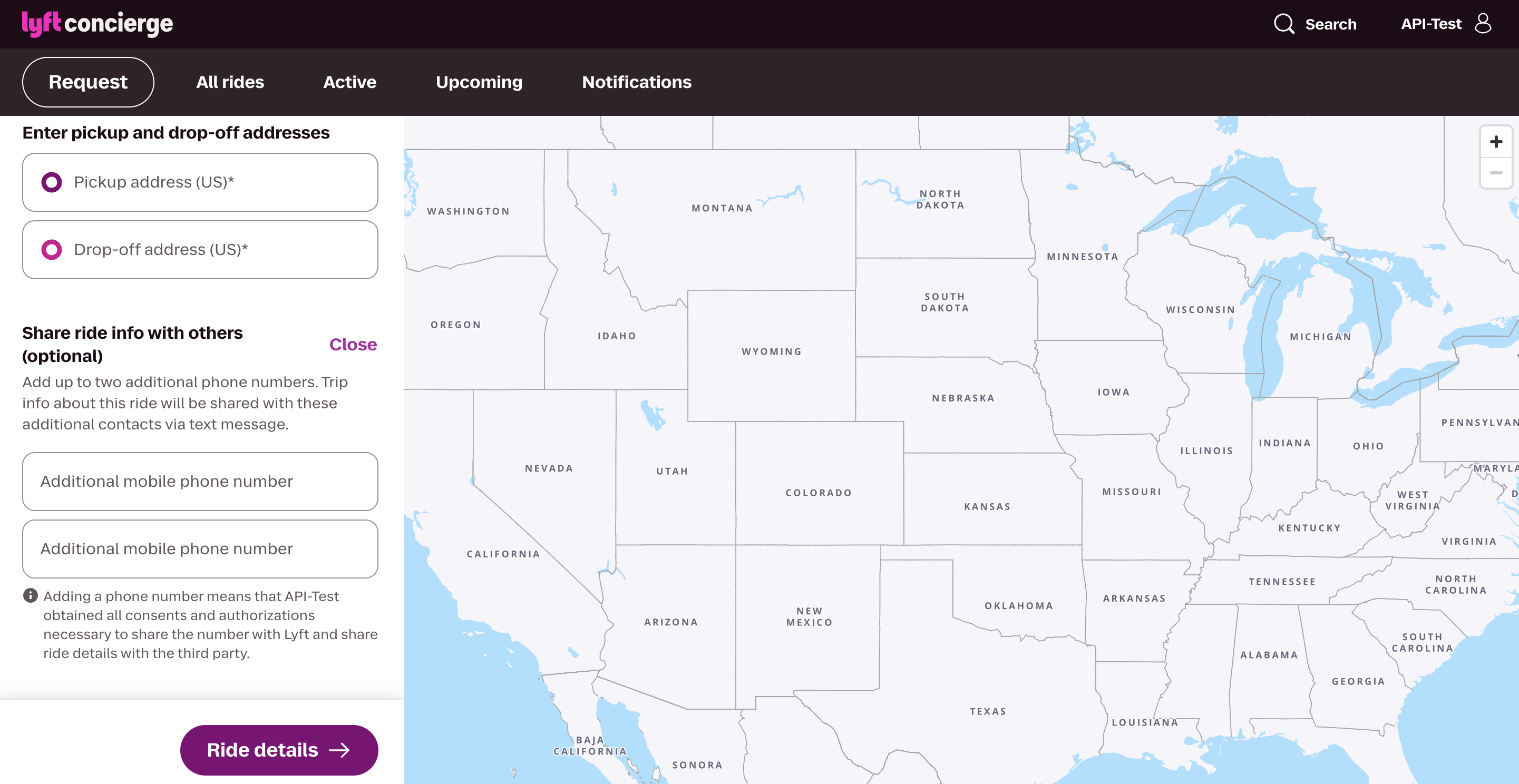
2. Enter the additional phone number(s) you would like to receive updates for this ride and select ‘Ride details’
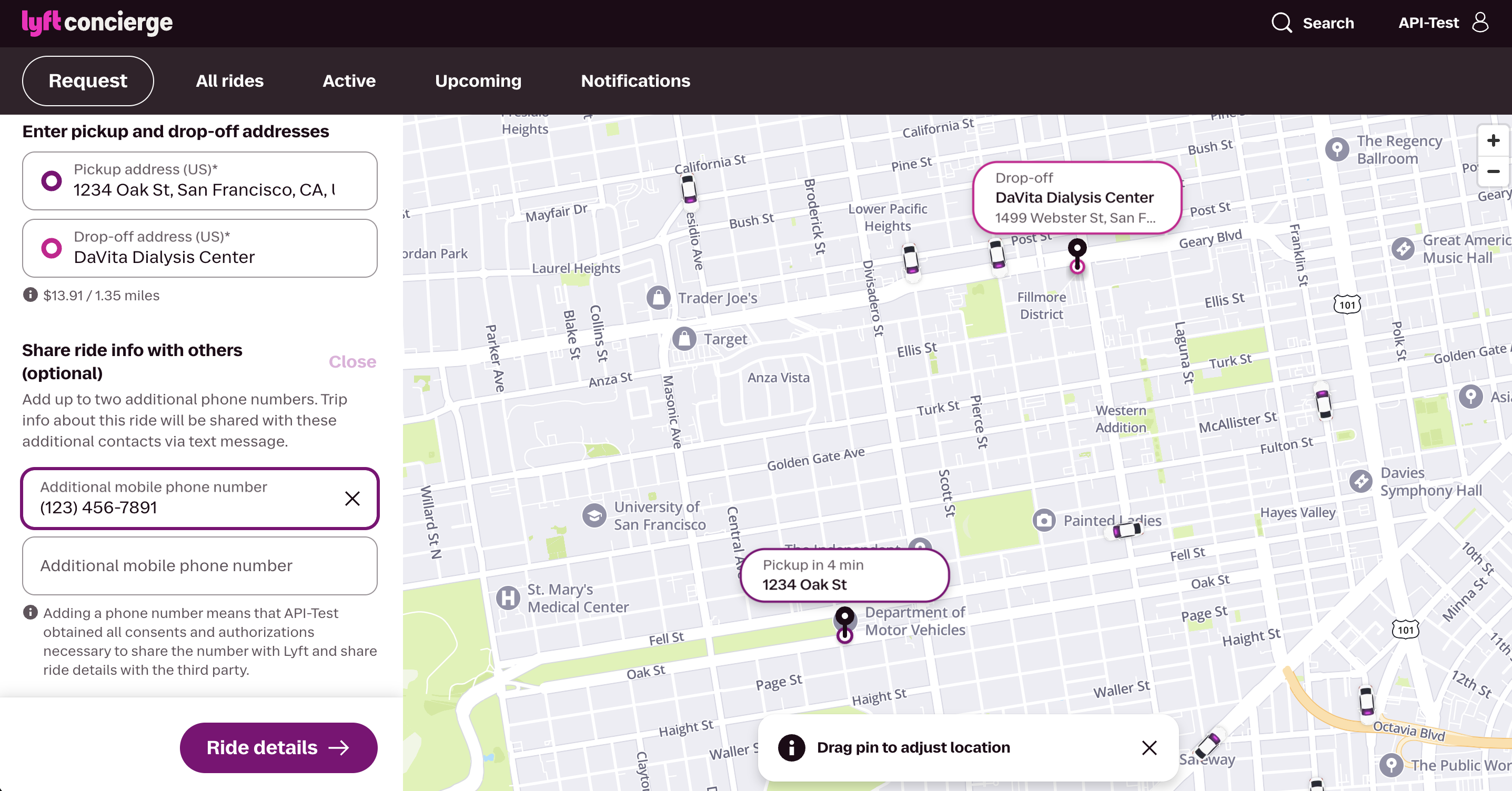
3. Fill out the remainder of information required and click ‘Request ride’
4. Once you’ve successfully requested a ride, you will see the additional phone number(s) entered on the ride card. If you need to add or edit the additional phone number after requesting the ride, select ‘Edit ride’ on the ride card.
Third party text message experience
The third party phone number(s) will receive a series of notifications about the ride via text. The messages will be similar to those the rider receives, stating the name of the organization that requested the ride and the name of the rider scheduled for pickup.
Once the rider is paired with a driver, both the rider and the additional phone number(s) will receive a notification with details about the pickup, including the driver's name, vehicle make and model, and license plate number.
Third party phone numbers with mobile internet access on their smartphone can also access a live ride map for tracking the ride by clicking a link sent via text with the message. The ride map will show the driver's car model, license plate number, and ETA. They can also tap ‘View ride details’ under the driver details to see the pickup and drop-off locations of the ride.